

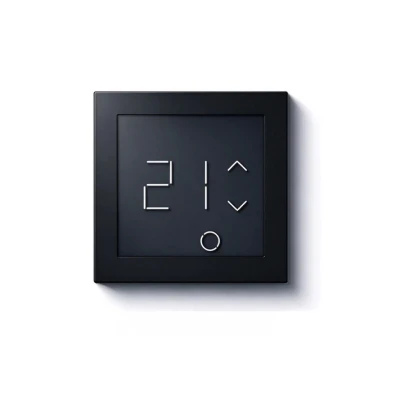
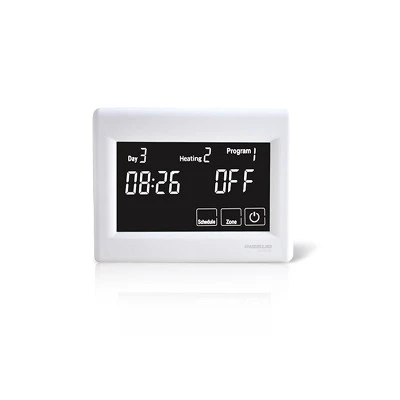
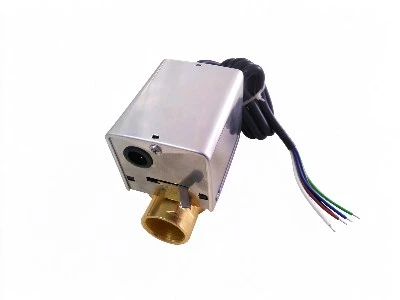
The configuration of a solar thermal differential controller primarily revolves around four key parameters: temperature, temperature differential, timing, and water level. While specific button layouts may vary by brand and model, the general operating logic remains consistent.
1. Temperature Settings
Locate the "Temperature Setting" button on the controller and press it briefly to enter setup mode. The upper-limit temperature value will typically begin to flash; use the "Up" or "Down" buttons to adjust it to your desired value (e.g., 60°C). Press the "Temperature Setting" button again to switch to the lower-limit temperature, and adjust it in the same manner (e.g., to 40°C).
2. Temperature Differential Settings
Press the "Temperature Differential Setting" button to access this function, then use the "Up" or "Down" buttons to set the temperature differential threshold that triggers the circulation pump. For instance, if set to 10°C, the controller will automatically activate the pump to initiate circulation heating whenever the collector temperature exceeds the water tank temperature by 10°C.

3. Timing Functions
Some models include a timing feature. Pressing the "Timer Setting" button will cycle through options such as "Timer 1 On" and "Timer 1 Off." Use the "Up" and "Down" buttons to adjust the time for each period, then press the "Confirm" button to save your settings.
4. Water Level Settings
If the controller includes water level control, press the "Water Level Setting" button and use the "Up" or "Down" buttons to select the desired water level (e.g., High, Medium, or Low). Once selected, press the "Confirm" button to save.
Because button layouts and operational procedures can differ between brands and models, please always refer to the product manual before configuring your device.